Reference

The yaarwin App: Your Lobby in Your Pocket

yaarwin runs in your mobile browser today, and where a native app build is currently offered, you can verify that on your account page or through our support channel.

mobile browser readyaccount-level access checklive tables on mobileslots on the goavailability by region
yaarwin The yaarwin App: Your Lobby in Your Pocket
FEATURES WORTH KNOWING

Four Things the App Does Differently

These are the specific behaviours that make the mobile experience distinct from a desktop session — worth knowing before you log in for the first time.

Fingerprint Login Skip the password on every return visit. Biometric unlock is available on Android and iOS devices that support it, and you enable it once inside account settings.
Push Notifications Get a tap on the shoulder when a live table opens, a crash round starts, or your Rocket withdrawal clears — without having to keep the browser open.
Dark Mode The lobby switches to a low-glare dark layout automatically if your device is set to dark mode, keeping the screen comfortable during late-session play.
Offline Lobby Preview The game grid and category filters cache on your device so you can browse titles and check a game's RTP display before your connection is fully live.

Device and Browser Compatibility

Most modern smartphones running a current browser version work without any extra setup. The checklist below covers the common points worth confirming before your first session on a new device.

Browser versionChrome 90 and above or Safari 14 and above cover the majority of users. Older browsers may not render the live table stream or the crash game canvas correctly.
Screen layoutThe lobby reflows to a single-column layout on screens under 430px wide. Game cards, the betslip, and the deposit chip row are all usable at standard thumb reach.
Account requirementsYour account must be verified before withdrawals clear to bKash, Nagad, or Rocket. Verification is done once via the account settings page — upload your document and support confirms it.
Currently supported devicesThe support channel confirms which device and OS combinations are actively tested. Check there rather than relying on third-party compatibility lists, which may reflect older builds.
Connection minimumLive casino streams need a stable connection. A 4G signal works; a weak 3G signal may cause buffering on Evolution live tables. Wi-Fi removes the variable entirely.
yaarwin What the App Puts in Your Hands

What the App Puts in Your Hands

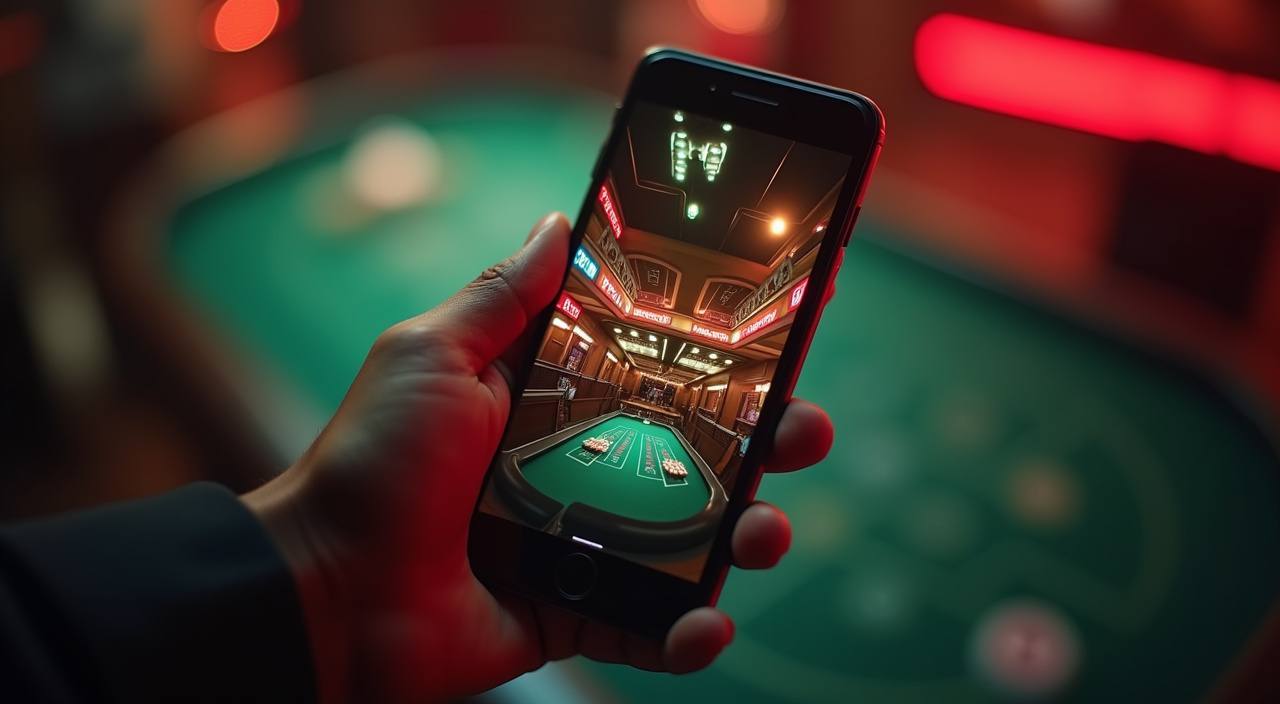
Open the yaarwin app or mobile site and you land directly in the lobby — no desktop detour needed. Live baccarat and Dragon Tiger stream from Evolution and Pragmatic Play tables, while slot rooms like Gates of Olympus and Sweet Bonanza load fast on a stable 4G connection. The betslip stays pinned so you can place a cricket wager without losing your

table seat. Quick deposit links your bKash or Nagad wallet in a tap: open the wallet app, confirm the amount, and the balance reflects in your account. Push notifications flag when a table opens or a round you follow is live. Fingerprint login means you skip the password on every return visit.

yaarwin Mobile Access in Three Steps

Mobile Access in Three Steps

Getting the app onto your device — or confirming browser access — takes under two minutes. Start with the current site address rather than a third-party APK link, since those may be outdated builds. On Android, your browser will prompt you to add the site to your home screen, which gives you a launch icon without a store download. On iOS, use

Safari's share menu and choose Add to Home Screen for the same result. Once the icon is on your screen, tap it, sign in with fingerprint or your usual credentials, and the full lobby is there — live tables, slots, and sportsbook all in one scroll. Players in Dhaka and other cities have reported the lobby loading in under five seconds on

a standard 4G connection.

  • Open the current site — Go to yaarwin in your mobile browser. Avoid third-party APK sources — the live site is always the current build.
  • Add to home screen — On Android, tap the browser menu and select Add to Home Screen. On iOS Safari, use the share icon and choose Add to Home Screen.
  • Sign in securely — Log in with your account credentials. If biometric login is set up, your fingerprint or face ID handles it from the second visit onward.
  • Check app availability — If a native app build is currently listed for your device, the account page or our support channel will confirm the download link and version.

App Questions We Hear Most

These are the questions that come up most often when someone sets up the yaarwin app for the first time.

Whether a native app is currently listed depends on your region. Check the account page or ask our support channel for the confirmed download link — do not use unofficial APK sources.

On Android, open yaarwin in Chrome, tap the three-dot menu, and select Add to Home Screen. On iOS Safari, tap the share icon and choose Add to Home Screen. Both give you a launch icon.

Yes. Open the deposit section, select bKash or Nagad, send to the account number shown, confirm with your PIN, and the balance reflects in your wallet. Rocket works the same way.

Biometric login works on devices that support fingerprint or face recognition and have it enabled at the OS level. You activate it once inside your yaarwin account settings.

Yes, once you allow notifications from the site or app. You can choose which alerts to receive — table openings, crash round starts, or wallet updates — from the notification preferences in your account.

Switch to a stronger connection or Wi-Fi. Evolution and Pragmatic Play streams need consistent bandwidth. Lowering video quality in the table settings is also an option if the connection is borderline.
Reference

yaarwin App

Service availability depends on eligible regions and local law. Users should check local rules before opening an account.

Access may be available only where local law permits.